
Haunted Happenings Marketplace · 2026
Vendor 411
The 2026 season is complete. This guide is archived for reference. Applications for 2027 come out in February 2027.
We’re excited to see you in Salem! Find marketing downloads and venue guides below. Check your confirmed dates and location, then read your guide again before each market day.
01 / Your marketing toolkit
Download marketing graphics
Choose Kaiju Ghost or Pirate Ghost, then download the format you need. Graphics by Bats in the Belfry Crafts (@batsinthebelfrycrafts).
For digital promotion only. Keep the artwork, logos, and artist credit intact. No printing, merchandise, or design changes. Contact us for printed materials.
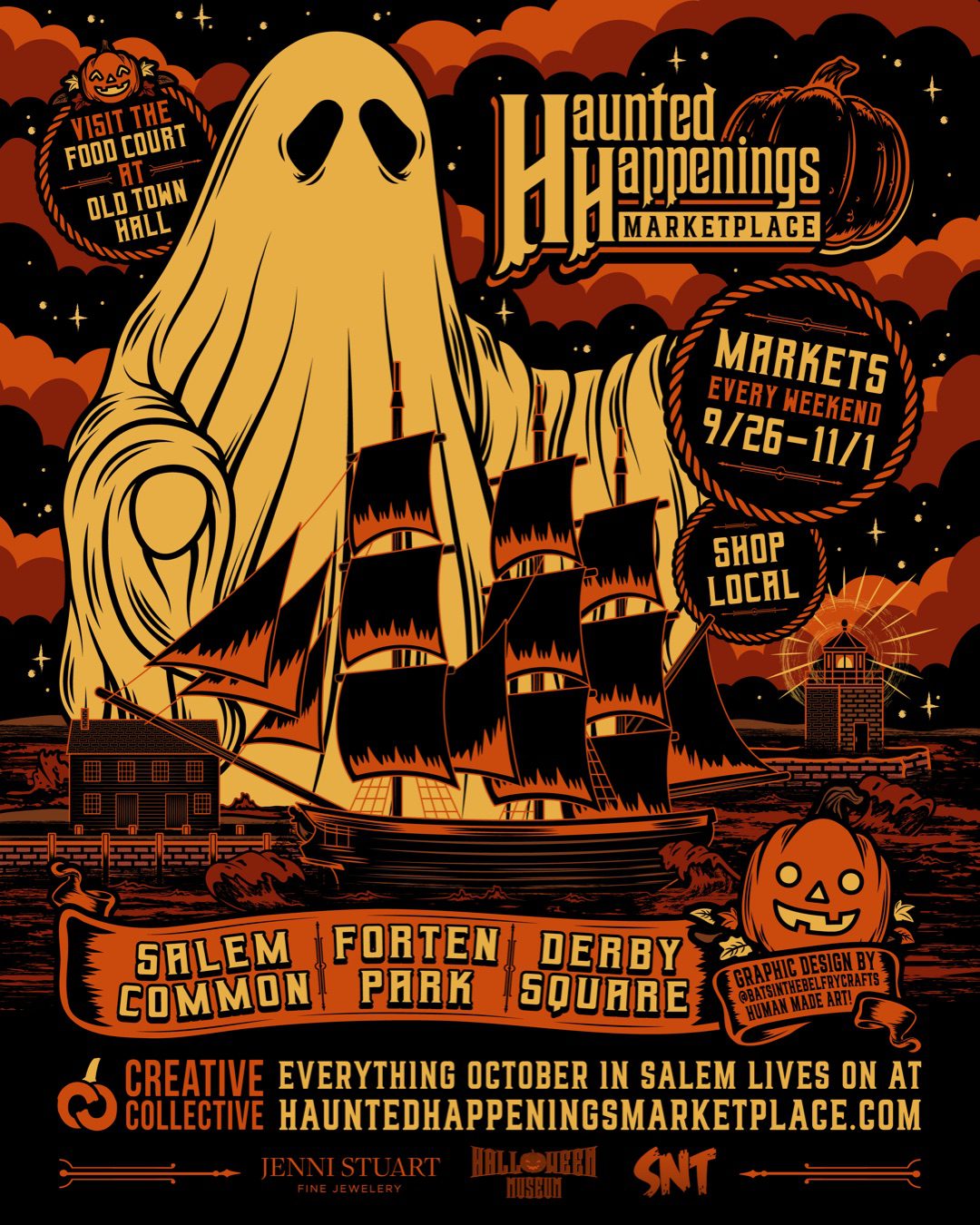
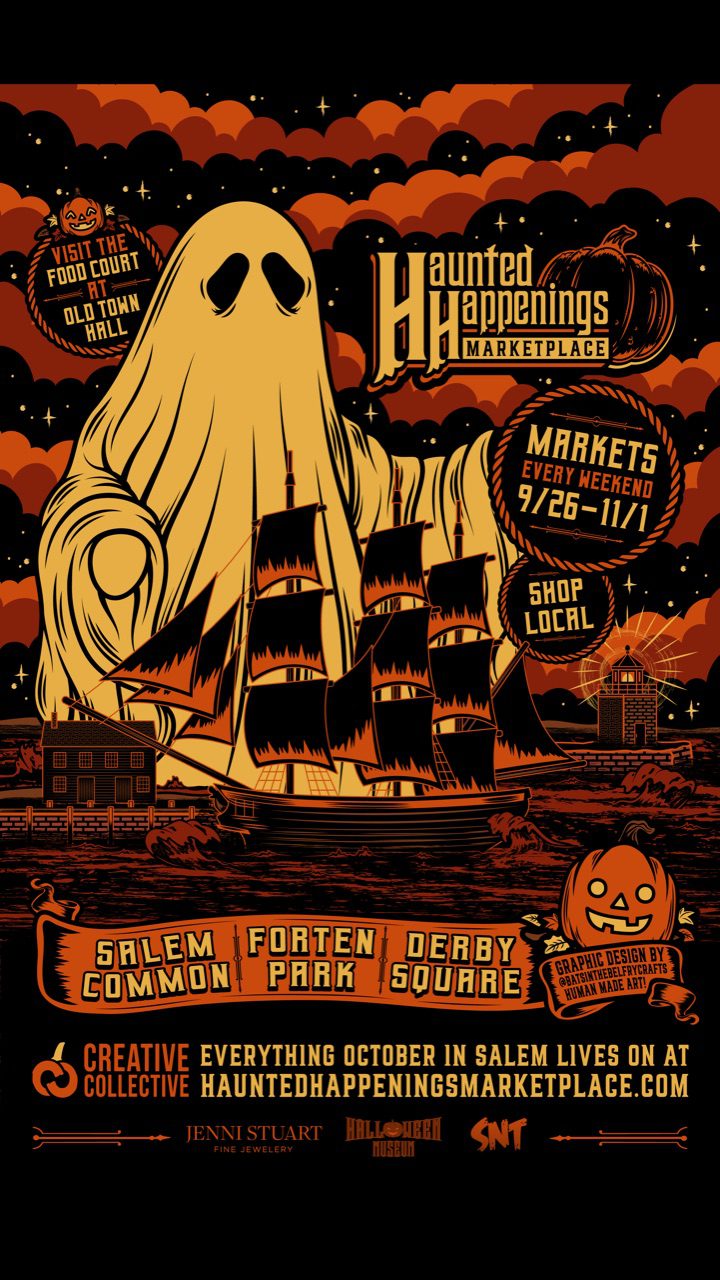
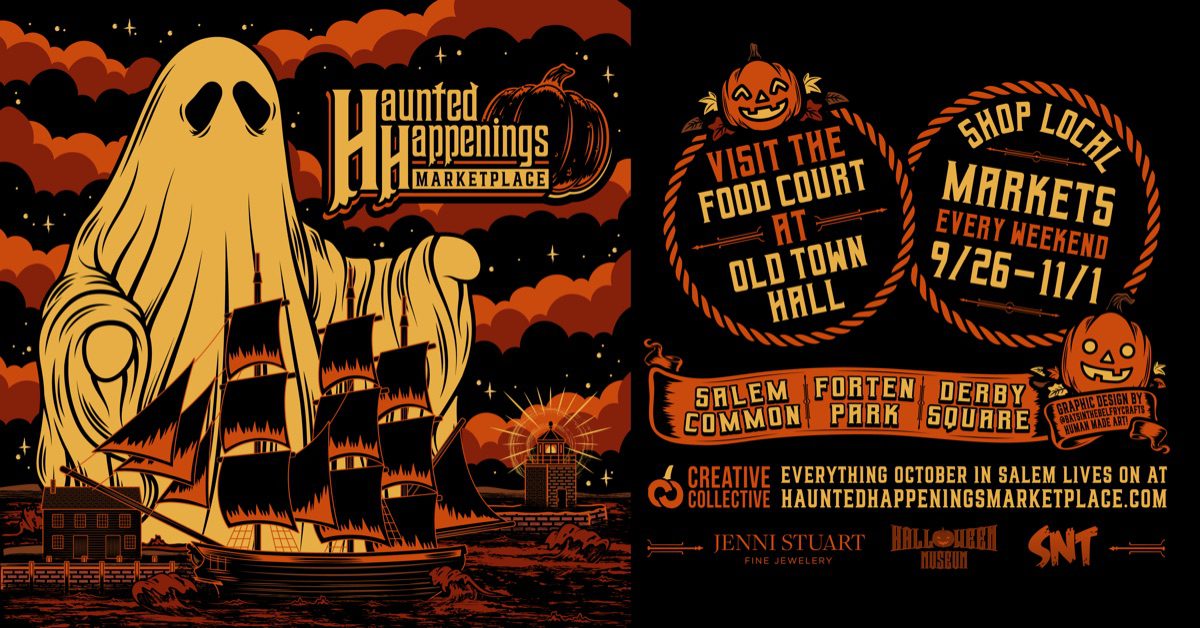
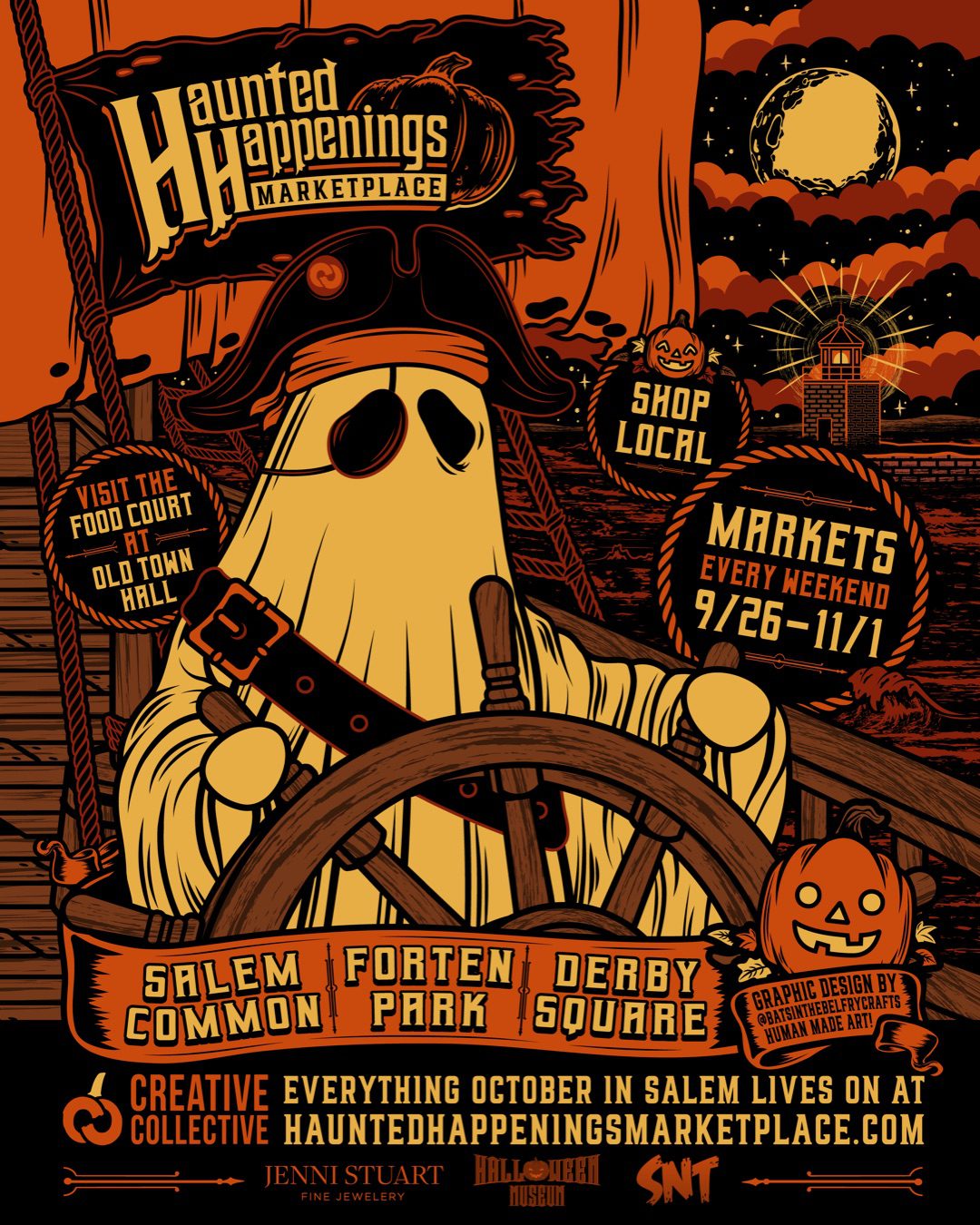
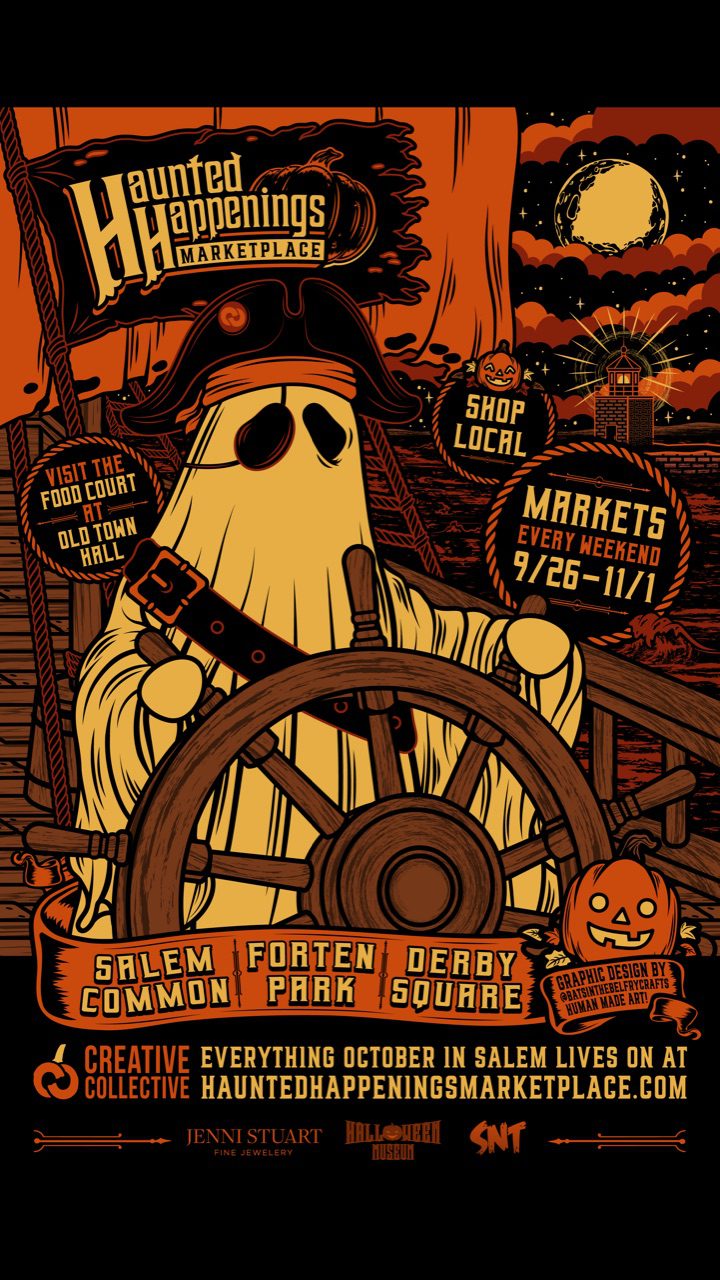
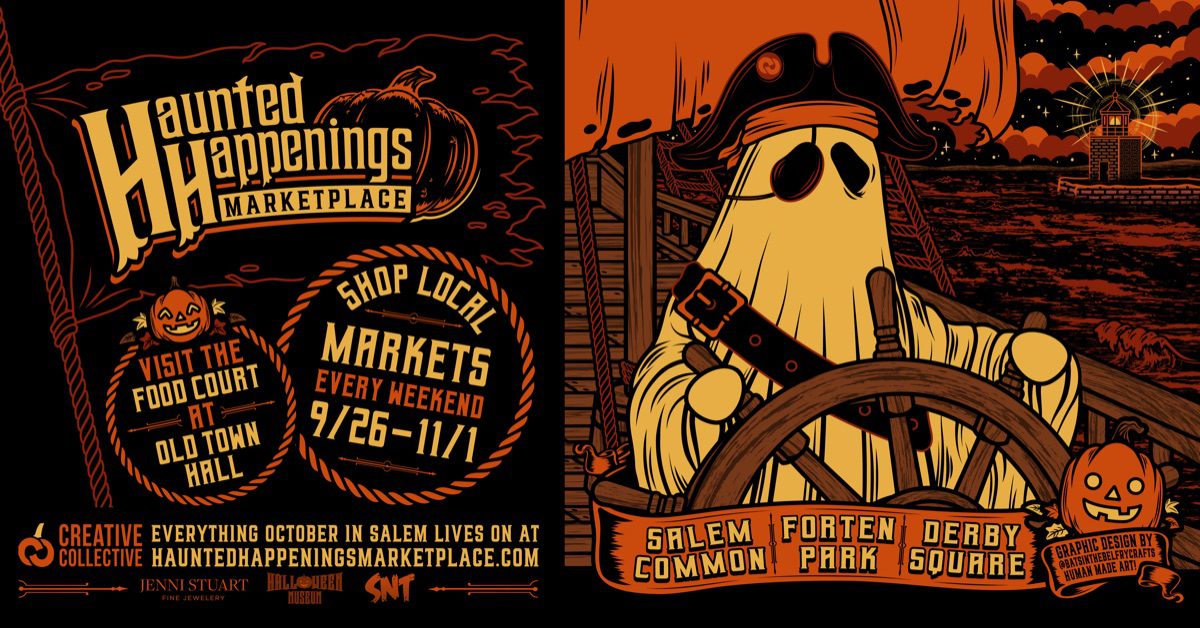
On a phone, if a download opens as an image, press and hold it to save. Graphics by Bats in the Belfry Crafts (@batsinthebelfrycrafts).
02 / Help people find you
What to post & tag
If you haven’t shared your market plans yet, please post before your first market day. Here’s what to include.
- Post a graphic and tell people when you’ll be here. Include your business name, confirmed dates, exact venue, and what you’re bringing. The graphics show the whole season; your caption should show your own schedule.
- Tag us so we can find your post. On Instagram, tag @hauntedhappeningsmarket and @creativecollectivema. You’re welcome to invite @hauntedhappeningsmarket as a collaborator. On Facebook, tag Haunted Happenings Marketplace.
- Show your work, too. Share a product or studio photo, then post a Story as your market date gets closer.
- Give visitors a place to plan. Include hauntedhappeningsmarketplace.com in your post or use a link sticker in your Story. Share the events calendar when customers ask what else is happening.
Open a copy-and-paste caption
Replace the brackets with your details before posting:
We’re headed to Salem for Haunted Happenings Marketplace! Find [BUSINESS NAME] at [VENUE] on [YOUR CONFIRMED DATES]. We’ll be bringing [WHAT YOU’RE BRINGING], and we can’t wait to see you.
Come shop local and spend the day exploring Salem. Plan your visit at hauntedhappeningsmarketplace.com.
Graphics by Bats in the Belfry Crafts (@batsinthebelfrycrafts).
@hauntedhappeningsmarket @creativecollectivema
#HauntedHappenings2026 #SalemMA #SalemOctober #CreativeCollectiveSalem #SalemMarkets #VisitSalem
Check your confirmation email for your booked dates and venue.
03 / Before you arrive
Your weekly venue guides
- Old Town Hall food courtOpen weekly guide
- Derby SquareOpen weekly guide
- Salem CommonOpen weekly guide
- Forten Park artisansOpen weekly guide · Site reference & loading
- Pedestrian MallOpen weekly guide · Setup & loading map

Please use this year’s guide for your venue. Keep your confirmation handy and check your dates before making arrival plans. Booked at another location, or unsure which guide you need? Contact us.
04 / Getting around Salem
Parking, apps & local alerts
Before each market day, check parking and traffic updates. Allow time to unload, park, and walk back to your booth.
Parking & road access
Use Destination Salem’s parking guide to compare garages and lots, and check the City’s October parking information for seasonal changes. October weekend and holiday rates can change, and lots may use flat fees.
Check the City’s interactive parking map and current rates and time limits before choosing a space. Some spaces allow only two or four hours; choose parking that covers your full market day and return trip.
Follow posted restrictions and staff or police directions. Have a backup parking plan. Your venue guide will explain where you may unload.
Passport Parking
Set up the Passport Parking app before you arrive if you plan to use a metered space or City-owned lot. It can notify you before your session expires and let you add time within the space’s allowed limit.
Check your plate, zone, rate, and maximum stay before paying. Follow the lot or garage’s posted instructions.
Salem residents: confirm that Passport recognizes your plate for the resident rate. If the discount is missing, contact residentparking@salem.com or 978-745-8120. Start the required parking session even when your eligible rate is free; posted time limits still apply. Resident discounts and residential parking permits are separate programs.
Destination Salem app
Download the Destination Salem app for iPhone or Android for parking availability updates, restroom information, events, and visitor resources.
Turn on notifications in the app and your phone’s settings before your first market day.
My Salem MA app
Download the City’s official My Salem MA app: iPhone / iPad or Android.
Enable push notifications for City alerts, including traffic and road-closure notices. You can also subscribe to Salem City News on the City’s Notify Me page; choose Salem City News under News Flash and Emergency Alerts under Alert Center.
Sign up separately for Regroup emergency alerts, the City’s replacement for CodeRED.
2026 parking update: no City shuttle. The City says it will not provide an October parking shuttle this year. Limited free parking at 108 Jefferson Avenue is planned for October weekends and Indigenous Peoples’ Day, with no shuttle to downtown. Plan how you’ll get back to your booth, and check the City’s latest information before relying on this option.
City apps cover conditions around town. Our vendor emails cover your market and setup instructions. Parking and emergency-alert resources reviewed September 19, 2026.
05 / We’re here to help
Contact the Marketplace team
Text preferred: 978-224-8856. Include your business name, venue, and market date; add your booth number if available.
Email: john@creativecollectivema.com. Use email for booking questions, documents, or longer details.
Official vendor emails come from Creative Collective at @creativecollectivema.com. If a message or payment request seems unfamiliar, check with us before responding.
Thanks for helping get the word out. We can’t wait to see what you’re bringing to Salem!
2026 vendor resources · Updated October 11, 2026